
Payroll-ready hours without the timecards
Employees clock in at a shared kiosk or on their phone. You fix missed punches, see labor cost by team, and send hours to QuickBooks or Square when it's time to run payroll.
August time clock at a glance
The August time clock records seasonal employee hours through a PIN-based kiosk on a shared device or optional mobile clock in. It supports paid breaks, daily and weekly overtime rules, missed punch exceptions, attributed punch edits, labor cost reporting, scheduled versus actual hours analysis, and payroll export to QuickBooks Desktop, QuickBooks Online, Square Payroll and Excel.
Every hour accounted for
Timesheet kiosk
Turn any tablet or computer into a shared time clock. Employees clock in and out with a PIN, and a timesheet-only login keeps the rest of August locked.
Mobile clock in
Turn on mobile clocking for specific employees, and let managers clock employees in from the August Mobile app.
Paid breaks
Allow employees to start and stop paid breaks at the time clock. Unpaid breaks are a simple clock out and back in.
Overtime rules
Configure daily, weekly and double-time overtime thresholds to match your state and policies.
Exceptions
Missed and unusual punches are flagged so you can resolve them before payroll, not after.
Punch corrections
Add, edit or remove punches and paid breaks. Every change is attributed to the admin who made it.
Hours report and labor cost
Filter hours by team and date, show labor cost in dollars, and export payroll, hours log and audit reports.
Schedule vs. actual
The hours and schedule analysis shows where worked hours differ from what you scheduled.
Bulletin board at the clock
Post bulletin items that employees see on the time clock as they start their shift.
Send hours where they need to go
August syncs employees and hours to QuickBooks Desktop, QuickBooks Online and Square Payroll at no extra cost. Using another payroll provider? Export a payroll-ready Excel report in seconds.
See integrations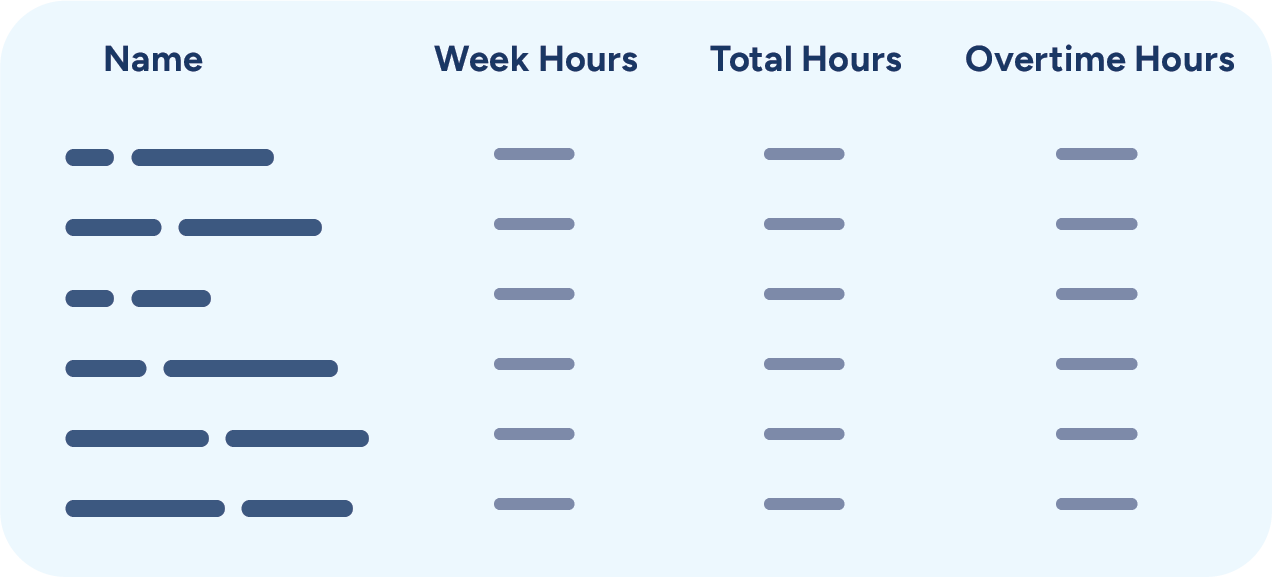
“Using August has been a lifesaver to us these past two years! From collecting payroll forms, to scheduling employees, to collecting hours... August does it all! This takes a huge load off of our shoulders and makes running our operation so much more efficient! We highly recommend August!”
Time clock questions
How do employees clock in?
Most teams set up the August timesheet portal on a shared tablet or computer at the staff entrance, where employees clock in and out with a PIN. You can also turn on mobile clock in for specific employees so they can clock in from the August Mobile app, and managers can clock employees in from their phone.
Does August handle breaks and overtime?
Yes. You can allow paid breaks that employees start and stop at the time clock, and configure daily, weekly and double-time overtime thresholds.
What happens when someone forgets to clock out?
August flags missed and unusual punches as exceptions. You can resolve them from the hours report or exception tools, and every punch edit is attributed to the admin who made it.
Can I export hours to payroll?
Yes. August syncs employees and hours to QuickBooks Desktop, QuickBooks Online and Square Payroll, and exports Excel reports in payroll, hours log and audit formats for any other provider.
Can I see labor costs?
Yes. The hours report can show labor cost in dollars by team and date range, and the hours and schedule analysis compares hours worked to hours scheduled.
Does August use GPS or geofencing for clock in?
No. August does not use GPS or geofencing. Most seasonal teams use a shared kiosk at the staff entrance, and you choose which employees can clock in from their phones.
Make payroll the easy part
Join farms, haunted attractions and festivals across the country running their seasonal teams on August. Create your account online in minutes or book a demo with our team.